Campminder Account Setup
To begin your Campminder experience today and register for Kayitz (summer) 2027:
- Access the Campminder Portal login page here
- Enter your email address
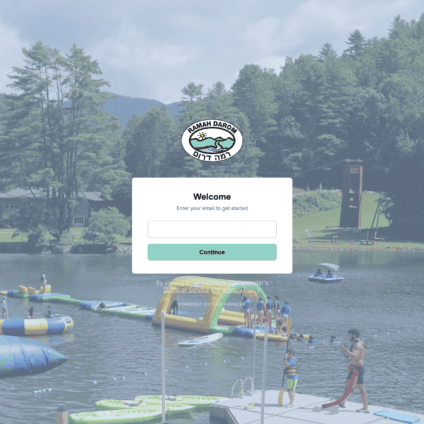
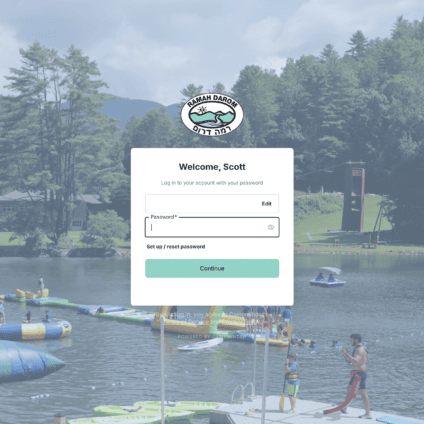
- Click the Set up / reset password
Notes: If you are connected to another camp that uses Campminder and you utilize the same email, you will not need to create a new account. Just enter your email on the welcome page, and your password will be the same for each camp! If your email address is not recognized, click Continue to create a new Campminder account.
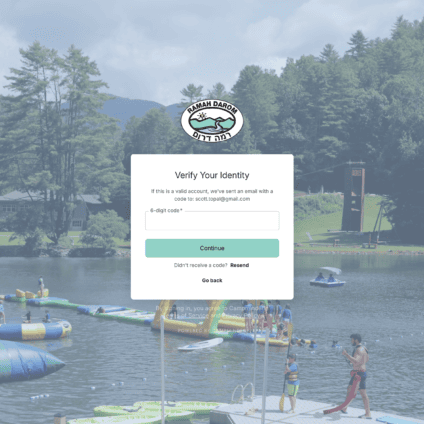
- You will receive a code in your email inbox. Please enter the 6-digit code and press Continue.
-
Enter a new password and click Reset Password.
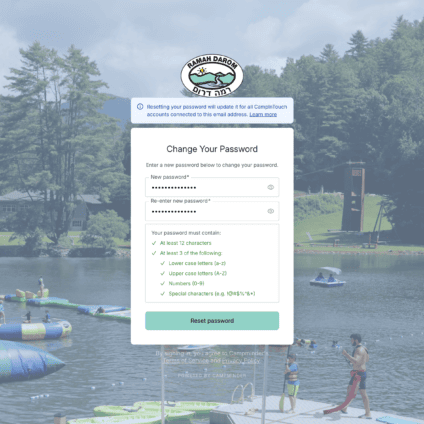
Important: Save your email address and new password in a safe place. You will use these credentials to complete your Camper Application and log in to your Campminder Parent Portal in the future.
- You will see a confirmation, “Password changed!” Re-enter your email address and password. Click Continue.
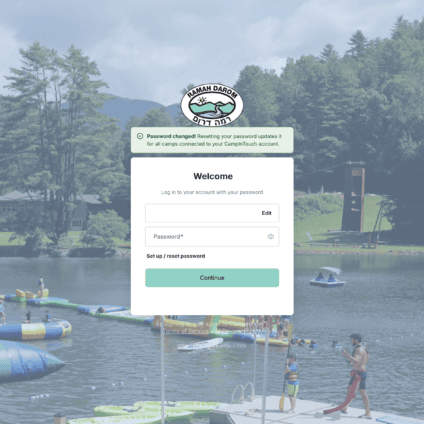
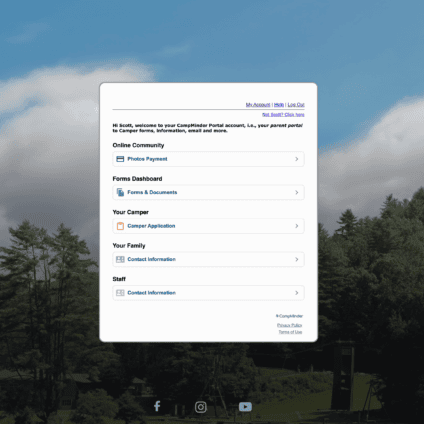
- Welcome to your Campminder Portal! To begin your Kayitz (Summer) 2027 camper application(s), click Camper Application.
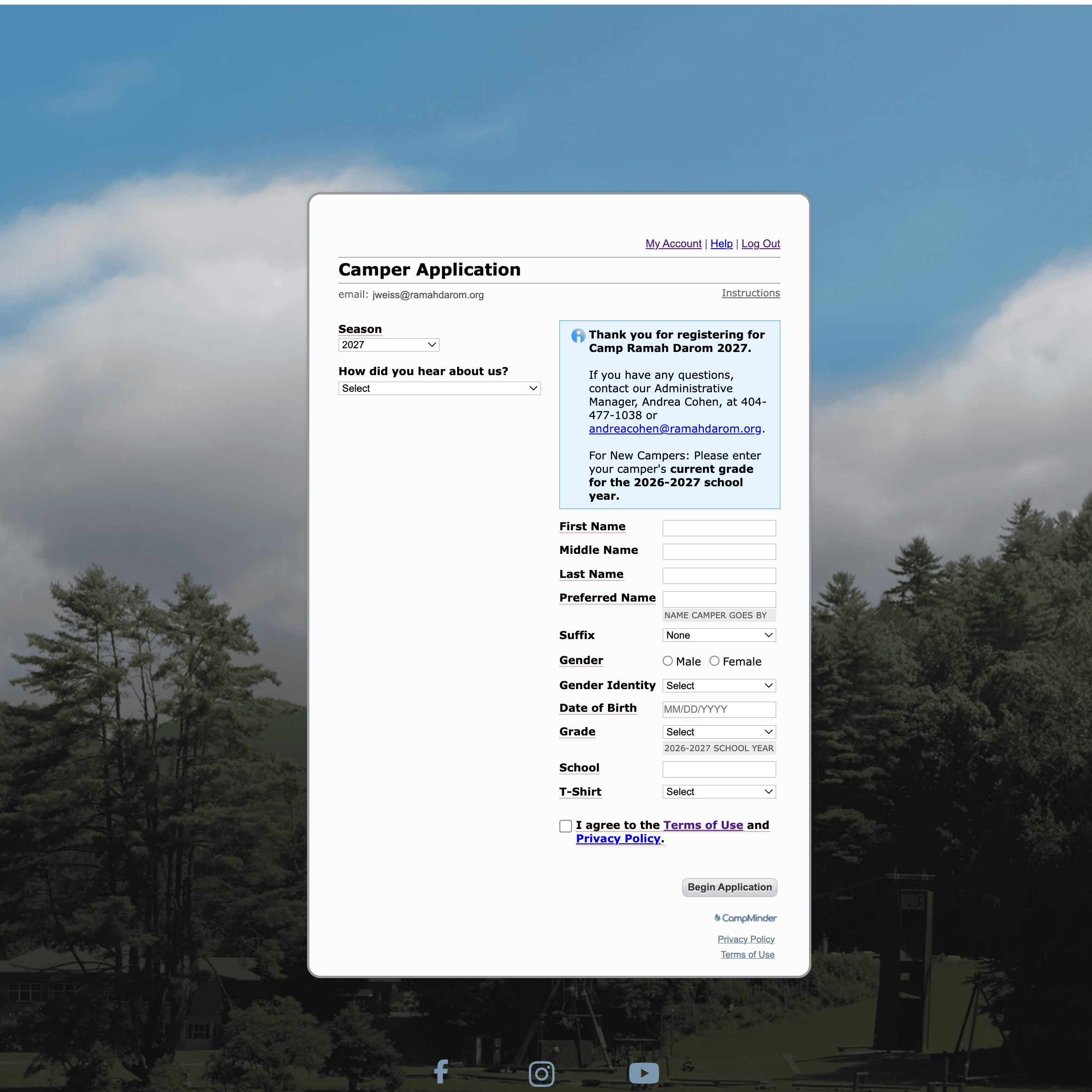
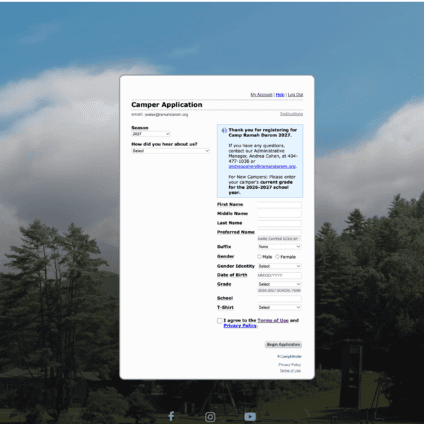
- The season will default to 2027. Returning camper families will select their camper(s) name(s) to begin the registration process. New camper families will enter their camper(s) name(s) and complete all required fields to begin the registration process. Click the Begin Application button to continue and follow all registration steps.
- Download the Campanion app, our mobile app to complete forms and stay informed!
- Use your Campminder Portal email address and password to log in
- Upload a training photo of your child, which enables the app to send you photos of your camper over the summer
- Ensure you have push notification enabled within your phone settings so you can receive important updates from camp all year long!